An online store can look finished weeks before it is ready to sell. The last ten per cent of the work is delivery, payments, legal texts and emails, and that is exactly where the first complaints come from. This is the checklist we go through with the client before every launch.
Delivery
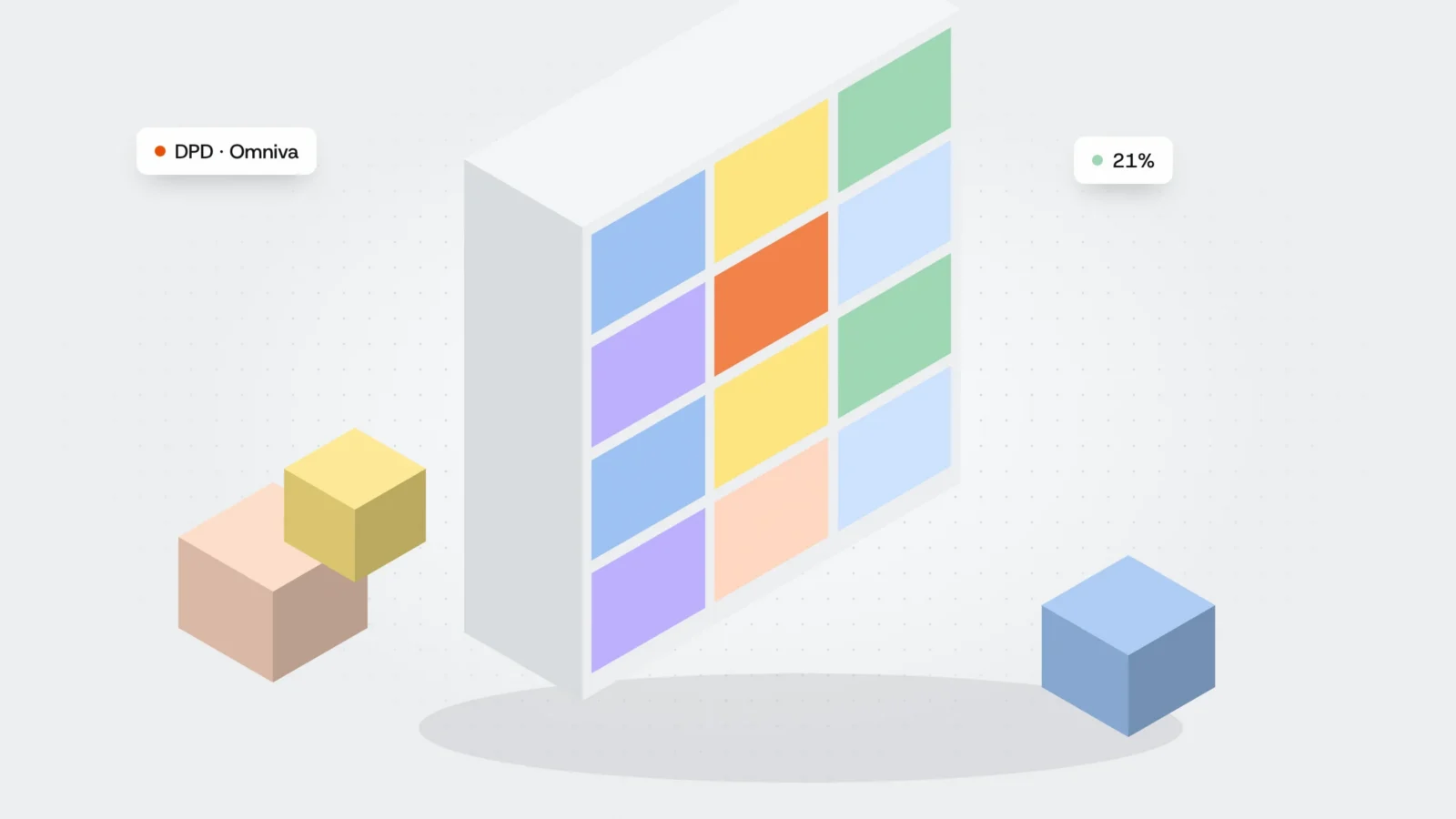
In Latvia, shoppers expect parcel lockers. Add the carriers your customers already use, such as Omniva, DPD and Venipak, with locker selection on a map or from a list. The delivery price and timeframe must be visible in the cart before the shopper enters card details.
- Parcel locker selection with search by city
- Delivery price shown in the cart, not only at checkout
- Free delivery threshold, if there is one, clearly stated
- Shipping labels created from the admin, not by hand
Payments
Latvian shoppers pay with bank links and cards. A payment aggregator lets you offer the most popular banks, cards and wallet payments, such as Apple Pay and Google Pay, through a single integration. Before launch, make real test payments with each method and check that the order status updates automatically.
VAT and prices
Show prices including VAT to private customers. The standard rate in Latvia is 21 %. If you also sell to private customers in other EU countries and exceed the combined EU threshold, you must apply the buyer’s country VAT, usually through the OSS scheme. Agree the settings with your accountant before the first order, not after the quarter ends.
If you sell to businesses, check that invoices include all company details and that buyers can enter their own company information.
Product data
Product import usually takes longer than planned. Every product needs at least one good photo on a consistent background, a description that answers the buyer’s questions, variations with separate stock and weight or dimensions for calculating delivery. If products come from a warehouse system, agree which system is the master so that prices and stock levels do not overwrite each other.
Write your own descriptions. The manufacturer’s text is on ten other stores too, and Google has no reason to show yours.
Legal texts
Distance contract terms, the 14-day right of withdrawal, the returns procedure, privacy policy and cookie consent. The company name, registration number and contact details must be easy to find. These texts are not a formality: they are exactly what shoppers read before buying from an unfamiliar store for the first time.
Emails
Order confirmation, payment confirmation, shipping notification with a tracking link, and the invoice. Check how they look on a phone, that they do not land in spam and that the sender address is on your domain with correct SPF and DKIM records.
Analytics
Before launch, set up GA4 e-commerce events: product view, add to cart, begin checkout and purchase. If you plan to advertise, add the Meta pixel and Google Ads conversions. Without this data you cannot tell in the first month where shoppers drop off.
Check speed on a phone too. A product category with a hundred large images can load slowly even if the homepage is fast. Compress images and lazy-load them before launch, not after the first complaints.
The last day before launch
- Three test orders with different delivery and payment methods
- Stock and prices checked against the warehouse
- All emails received and displaying correctly on a phone
- Legal texts published and linked at checkout
- Analytics records the purchase with the correct amount
Frequently asked questions
How long does it take to build an online store?
A simple store usually takes 3 to 5 weeks. Most of the time goes into product data, photos and integrations, not design.
How much does an online store cost?
Our online stores start from 1490 € + VAT. The final price depends on the number of products, payment and delivery integrations, and whether you need registered users or B2B features.