
NAVEX is a Microsoft Dynamics 365 Business Central implementation, development and support team in Riga. The same team owns SkyBill, a billing solution for utility companies built on Business Central. In October 2026 we launched skybill.eu, which we built in Wix Studio because the client chose it. Soon after, the client ordered a second site, navex.lv, for companies in Latvia and the Baltics, and this time we built it on WordPress with our own theme. The site covers nine solutions in Latvian and English, and the NAVEX team changes its content by writing a task to an AI assistant. Nobody has to open the admin panel for that.
One client, two sites, two readers
skybill.eu speaks English to water, heating and energy companies in several countries. Its reader compares billing software and wants to see the product, the integrations and client stories.
The navex.lv reader is different. It is a company in Latvia, Lithuania or Estonia that is choosing a business management system or wants to replace an old one. The site is opened by a finance director, a chief accountant or an IT manager, and they ask very practical questions: will there be Latvian localisation and payroll, what happens to the old Dynamics NAV or Navision, how does implementation work and who helps once the system is running.
The old navex.lv was outdated in both look and content. The client had two requirements: the site had to speak to this reader, and the content had to be changed without a developer and without yet another admin panel for the team to learn.
Why WordPress this time, not Wix Studio
skybill.eu runs on Wix Studio because the client wanted it: the team edits the site in a visual editor and does not have to think about a server. We described that project in the SkyBill case study. For the second site the client wanted WordPress, so they could compare both platforms in their everyday work.
WordPress gave us the one thing that mattered here: we decided where every piece of text is stored. We wrote our own theme, and every section of a page keeps its content in ACF fields with clear names: heading, intro, button, cards, questions. This structure is what makes it safe to hand the content over to an AI assistant.
What we built
The site has its own WordPress theme without page builders. Pages are assembled from 36 section types: hero, implementation stages, solution cards, an integration map, a comparison table, FAQ, contacts with a form and more. Each language has 18 pages, and the English version has its own addresses, for example /en/solutions/.
- Homepage
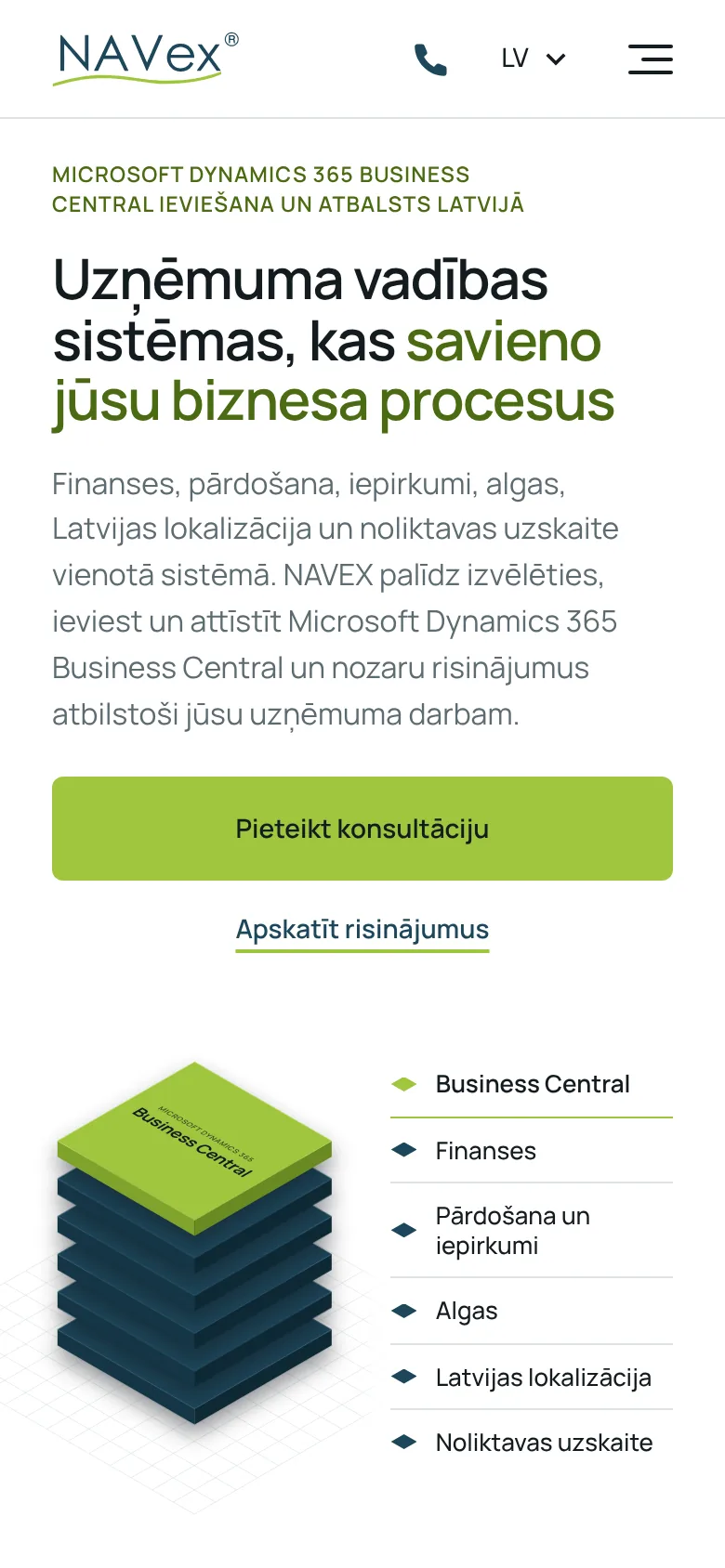
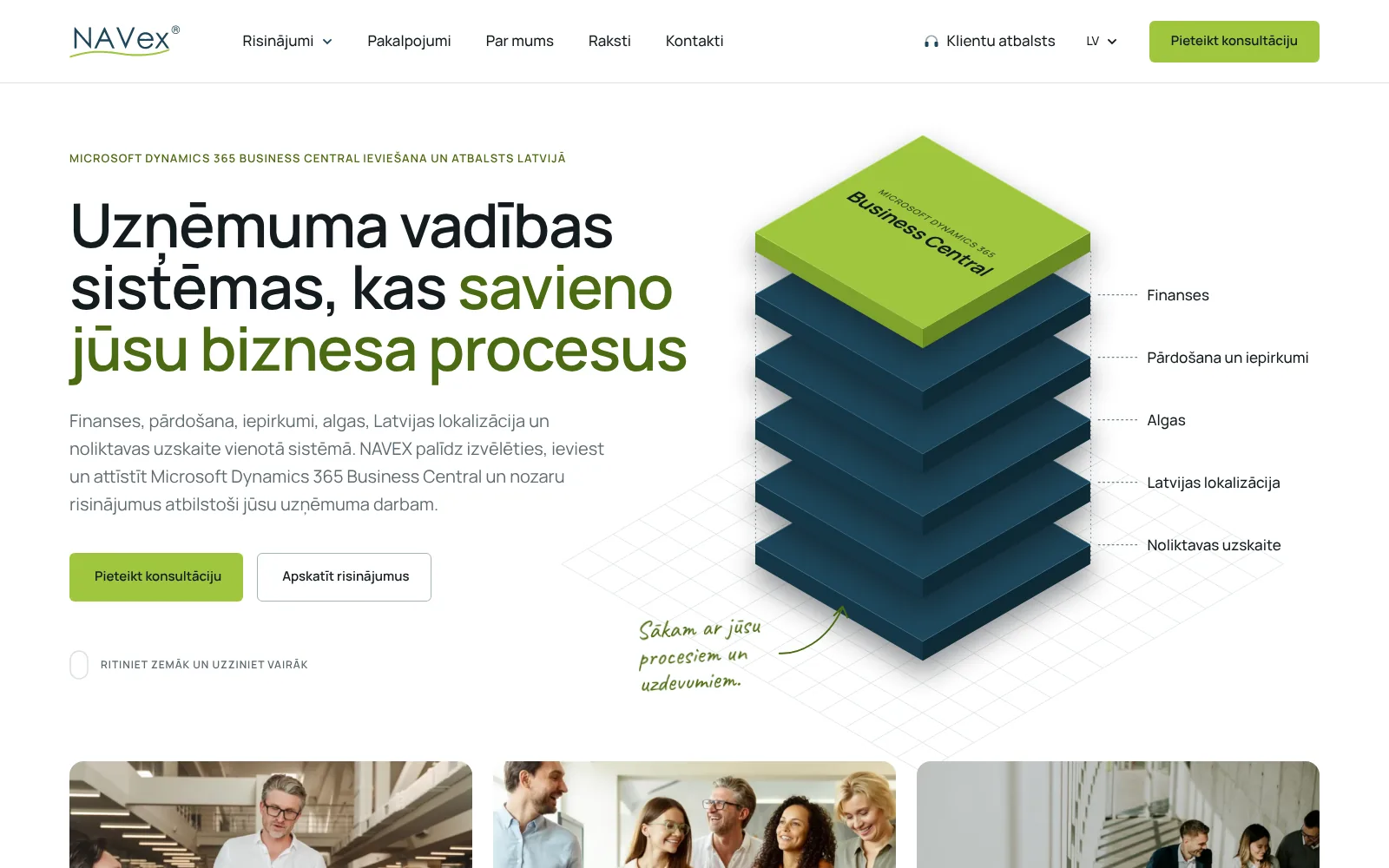
- Business Central is shown as layers: finance, sales and purchasing, payroll, Latvian localisation and warehouse accounting. Below it are three paths by situation: you are planning a new system, you already work with Dynamics NAV or Navision, or you want to improve one process.
- Nine solutions
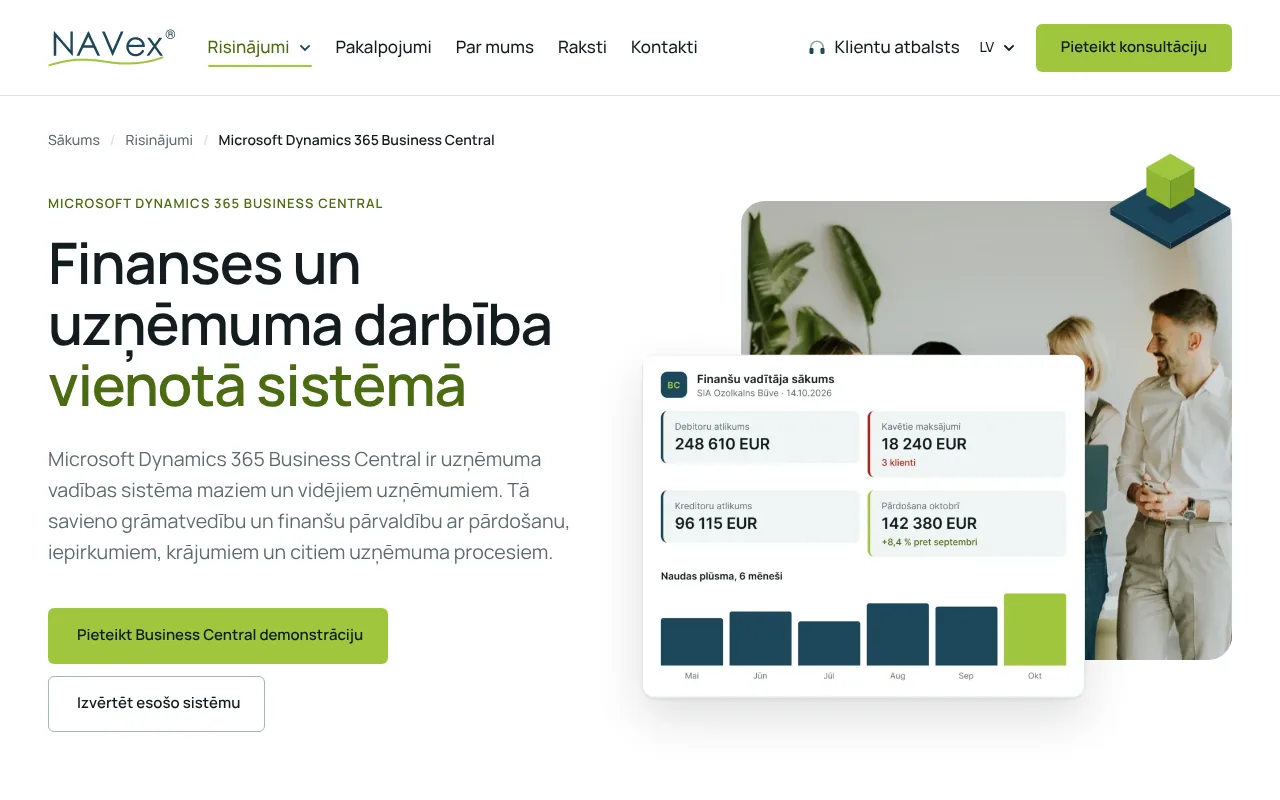
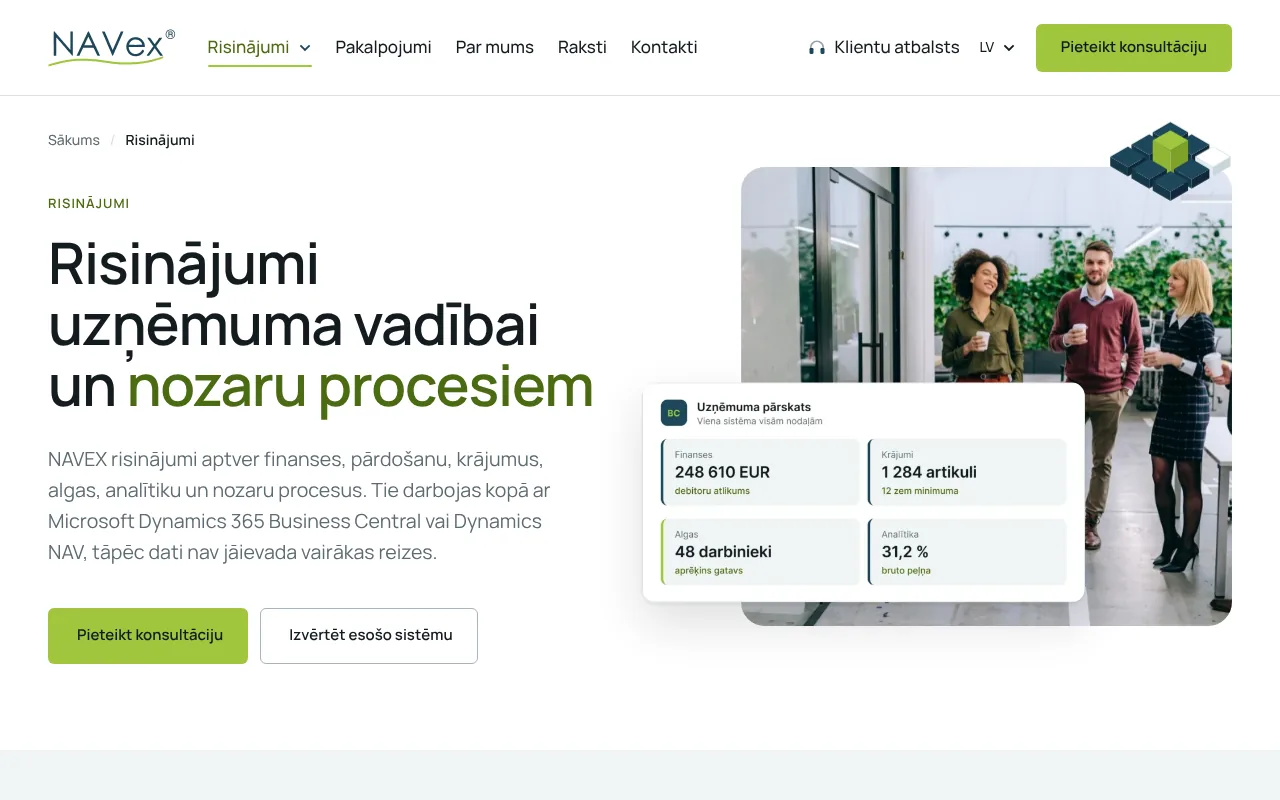
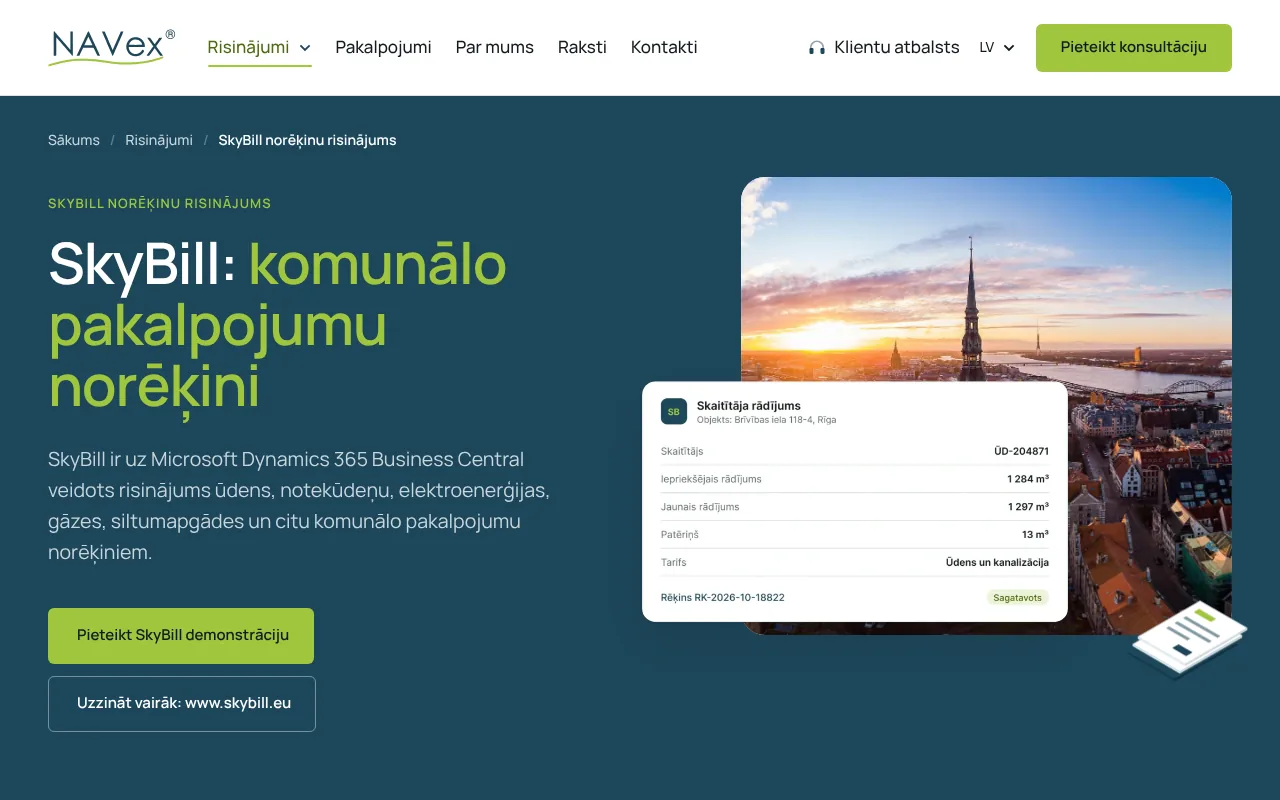
- Business Central, analytics with IBM Cognos, HR and payroll, SkyBill billing, leasing management, Latvian localisation, cloud solutions, warehouse management and e-invoicing. Each has its own page, and the solutions menu opens on click rather than on hover.
- Moving from Dynamics NAV
- The Business Central page has a separate section for companies that still work with Dynamics NAV or Navision. A homepage card leads there, because this reader is looking for a migration, not a new system.
- Request form
- Every “Book a consultation” button opens the form with the topic already selected, so NAVEX sees which page the person came from and can answer about that specific solution.
- Articles
- 26 articles in Latvian and English. The oldest are from 2018, and they kept their original dates, so readers can see when each one was written. The archive is sorted by year.
- Client support
- The header links to the NAVEX client support portal, so existing clients do not have to look for it.
 Open the Business Central page
Content without an admin panel
The NAVEX site is connected to an AI assistant through a secure connection (MCP). To change something, it is enough to write a task in plain language, for example:
- “On the About us page, change the office phone number.”
- “Add an article about e-invoicing in Latvian and English.”
- “Add a question about deadlines to the FAQ on the e-invoicing page.”
The assistant finds the right page, works out which section and field holds the text and changes only that. Because the content lives in fields rather than in one large HTML block, the AI does not have to guess where the design ends and the text begins. Layout, colours and spacing stay as we designed them. The English pages are separate, so the same task can update the translation as well.
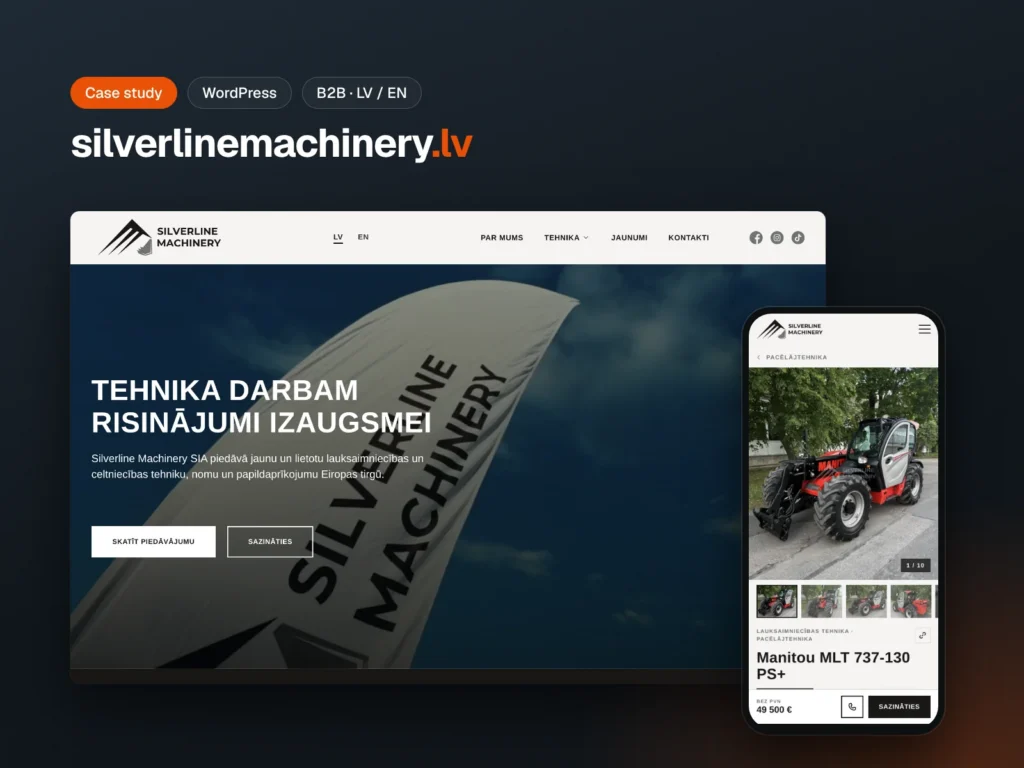
The boundary is clear. Our team maintains the theme, the code and the server, and bigger work, such as a new section type or an integration with another system, still goes through a developer. The AI does what a person would otherwise do in the admin panel: it changes texts, adds articles and questions and updates contact details. We used a similar approach for a catalogue on the Silverline Machinery site.
SEO and GEO
Every page has its own title and meta description. In Google the Latvian homepage appears as “Business Central ieviešana un atbalsts Latvijā | NAVEX” and the English one as “Business Central implementation in Latvia | NAVEX”, and the description lists the areas the system covers. Solution pages are named the way people type in a search box, for example “SkyBill billing for utility companies”.
The code includes structured data: Organization with the address and contacts, Service and OfferCatalog for the solutions, FAQPage for question sections, BreadcrumbList and BlogPosting for articles. robots.txt allows both search engines and AI assistants, including GPTBot, ClaudeBot and PerplexityBot. When someone asks ChatGPT or Perplexity who implements Business Central in Latvia, the assistant can read the site and find a precise answer. We wrote more about how this kind of visibility works in GEO 2026: why ChatGPT recommends your competitor.
Over the years the old site had collected links from partners and articles. To keep them working, we connected 64 old addresses to the new pages with 301 redirects.
Wix Studio and WordPress for one client
Both sites work well, each in its own way. A Wix Studio site can go live faster, there is no server to maintain, and the team edits content in a visual editor. WordPress with a custom theme takes more work at the start but gives full control over the code and the data structure. That control is what allowed us to connect the NAVEX site to AI so the content can be changed without a panel and without the risk of breaking the design.
The client now has both options side by side and compares them on their own, not from our stories. If they later decide to move skybill.eu to WordPress as well, the structure and texts are already in order, so the move will be simpler.
What we learned
A second site needs its own reader
The company is the same, the buyer is not. If navex.lv were a Latvian copy of skybill.eu, a Latvian finance director would not find an answer about localisation and payroll.
Moving from an old system is a separate path
A company that has worked with Dynamics NAV for years is not searching for “a new business management system”. It is looking for a way to move without losing data. That is why it has its own section and its own card on the homepage.
Old addresses have value
Articles from 2018 still get visits from links on other sites. 64 redirects are a small job if done before launch and a big loss if forgotten.
What you can repeat on your site
- If you have two products or two markets, write each site for its own reader
- Give users moving from an old system a separate section
- Pass the topic to the form from the request button, so you know which page the request came from
- Store content in fields, not in page builder blocks
- If AI will change the content, keep the code and the server in human hands
- Connect every old address to a new page before launch
- Check that robots.txt does not block AI assistants
Check for yourself
Everything you've read about is live. Open navex.lv and explore these sections yourself.
Frequently asked questions
Can website content be changed with AI without opening WordPress?
Yes, if the site is prepared for it. navex.lv is connected to an AI assistant through a secure connection (MCP), and the content is stored in fields with clear names. It is enough to write a task in plain language, and the assistant changes the right text or adds an article.
Why does one client have one site on Wix Studio and another on WordPress?
For skybill.eu the client chose Wix Studio so the team could edit the site in a visual editor. For the second site the client wanted WordPress to compare both platforms in everyday work. WordPress with a custom theme let us connect the site to AI for content management.
Can AI break the site design?
With this structure the risk is small. The AI changes only content fields, not the theme code, colours or layout. Our team maintains the code and the server.
Can AI content management be added to an existing site?
Often, yes. First we check how the site stores its content. If it is already in fields, the connection can be added. If the content sits in page builder blocks, we recommend improving the website first.
How much does a website like this cost?
A simple website starts from 600 € + VAT. For a site with a custom theme, two languages, content migration, redirects and AI content management, we set the price based on the specification. More on the website development page.
Want a site whose content you change with AI?
Tell us who your reader is and how often your content changes, and we will suggest a structure and a rough budget. Fill in the form or call +371 25 640 062. You can see the finished site in our portfolio.