
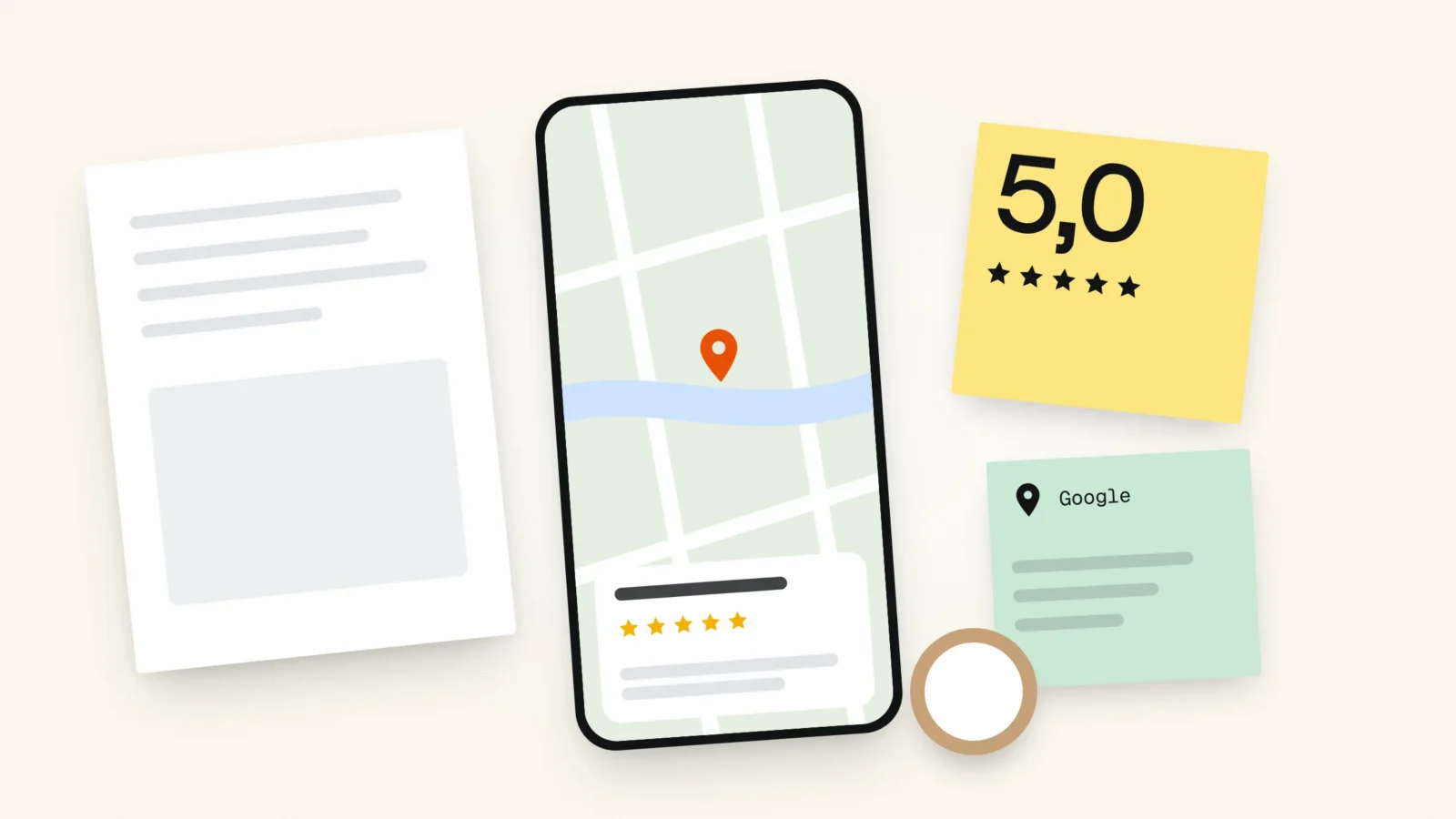
When someone searches for “car service in Ķengarags” or “accountant in Jelgava”, the first thing they see is often not a website but a map with three businesses. Whether you are there depends largely on your Google Business Profile. The good news: most of it can be sorted out in one afternoon.
The basics to check first
Primary category
This is the most important field in the profile. Choose the most specific category that describes your main service, not the broadest one. “Tyre shop” is better than “Car service” if tyres bring in most of your customers. Add secondary categories only for what you really do.
A name without keywords
The name must be the same as on your sign and invoices. Adding a city or a service to the name breaks Google’s rules and can end with the profile being suspended.
Address or service area
If customers come to you, show the address. If you go to customers, set a service area and hide the address. Both together only make sense if you really do receive customers on site.
Opening hours and public holidays
Nothing damages trust more than a locked door while Google shows “Open”. Enter your public holiday hours in advance.
Content that brings in calls
In the services section, list each service separately with a short description and, if possible, a price guide. Add real photos: your team, premises, completed work. Stock photos on a profile look exactly like what they are.
Add UTM parameters to the website link so that your analytics show how many visits come directly from the profile rather than from regular search.
Update posts on the profile work like a small noticeboard: a promotion, a new service, a finished project. They are not mandatory, but a regularly updated profile looks alive, and someone choosing between two businesses on the map notices it.
Reviews
The number and freshness of reviews affect both your place on the map and whether people call. Ask for a review right after a job is done, with a direct link. Reply to every one, including negative ones, calmly and specifically. A potential customer reads not only the review but also your reply.
The mistakes we see most often
Two profiles for one business
After a move or a name change, the old profile often stays. Google doesn’t know which one to trust, and reviews get split. Mark the old profile as moved or request a merge, rather than simply abandoning it.
The profile belongs to a former employee
If the profile was created by someone who no longer works at the company, you may not have access. Check who has owner rights and add a company email, not a personal one.
Nobody looks at the statistics
The profile’s performance section shows how many people called, asked for directions and opened your website. These numbers show whether changes are working, and they are worth reviewing once a month alongside your website analytics.
Half-hour checklist
- The profile is verified and you have owner access
- The primary category is the most specific possible
- Name, address and phone match the website
- Opening hours entered, including public holidays
- Each service entered separately
- At least ten real photos from the past year
- Every review has a reply
- UTM parameters added to the website link
Frequently asked questions
Why doesn't my profile show on the map even though it is verified?
The most common reasons are a category that is too broad, few reviews, or details that don’t match on the website and in directories. Also check that there is no duplicate profile with an old address.
How often should the profile be updated?
It is a good idea to add photos and updates at least once a month. Check the core details every couple of months, and always after changes in the business.